
Desktop beta is here: version 3.20.15

Welcome to the desktop beta updates 👋
We’ve been working on a new version of Nirvana for desktop and the web for a while now: easier to read, keyboard-first, with auto-save, attachments, powerful search syntax and more. We've been posting beta updates to our blog but not here. That was a goof. If you're following us here you're exactly the folks we want to hear from.
Want to try it? From your computer's browser visit beta-focus.nirvanahq.com and sign in with your usual Nirvana account. You can keep using the regular focus.nirvanahq.com alongside it if you like. It's the same account and the same data, kept in sync through the cloud, so anything you change syncs to your other devices. Standalone apps for Windows and macOS are coming soon.
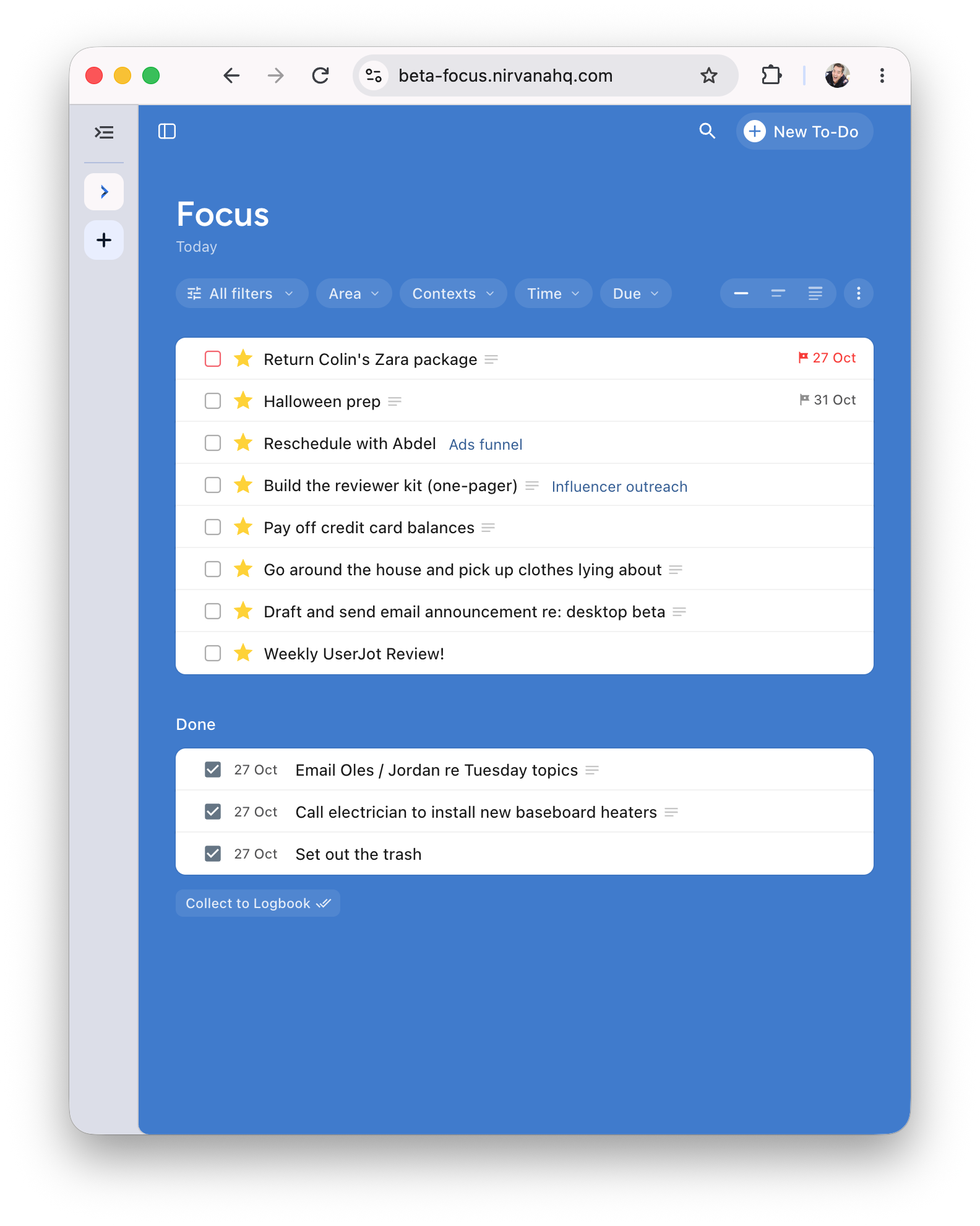
What’s new in 3.20.15
This release is built around the weekly review: your projects now tell you where they stand at a glance.
Project header card: Each project page opens with a card that keeps the state, dates, reminder, tags and the full note in one place. Click any of them to change it right there.
What’s next on every project: In the Projects list view, each project previews its next step underneath its name. It also indicates when a project has no next action or when a project doesn’t have any to-dos yet. Click the preview toggle to see this.
Stuck projects stand out: In the sidebar, an amber dot marks a project with no next action and a grey dot marks an empty one. Starred projects also stand out in sidebar now.
Tag views fix: A to-do you create in a tag’s view defaults to Next with that tag already on it, so it stays where you put it.
Editor fix for Scheduled and Waiting tasks: Menus reads as a sentence, like “Scheduled for Nov 1” or “Waiting for Romina” and you can now click the date or person directly to make a change.
Small windows: When the window gets narrow, tasks go to one line each, similar to your phone, and the sidebar tucks away. You can still hover over the sidebar icon to reveal and navigate.
Fixed: Smoother drag and drop, transitions and sidebar resizing.
Something not working right, or have an idea for what's next? Let us know.